Nearby
Devices on the same network find each other on their own. Pick one, drop your files — they go straight across, encrypted, at full Wi‑Fi speed.
Works with LocalSend
Files, folders and text — to the laptop on your desk, a friend across the world, or someone with nothing but a browser. No accounts, no cables, no cloud in between.
EasySend picks the shortest path. Nearby devices talk directly; everything else gets a code or a link.
Devices on the same network find each other on their own. Pick one, drop your files — they go straight across, encrypted, at full Wi‑Fi speed.
Far away? Share a short code. The other side types it or scans it, and the transfer is end‑to‑end encrypted with a key only the two of you hold.
No app on the other side? Share a link or QR code and they download from any browser. Add a PIN and an expiry, or let them upload to you.
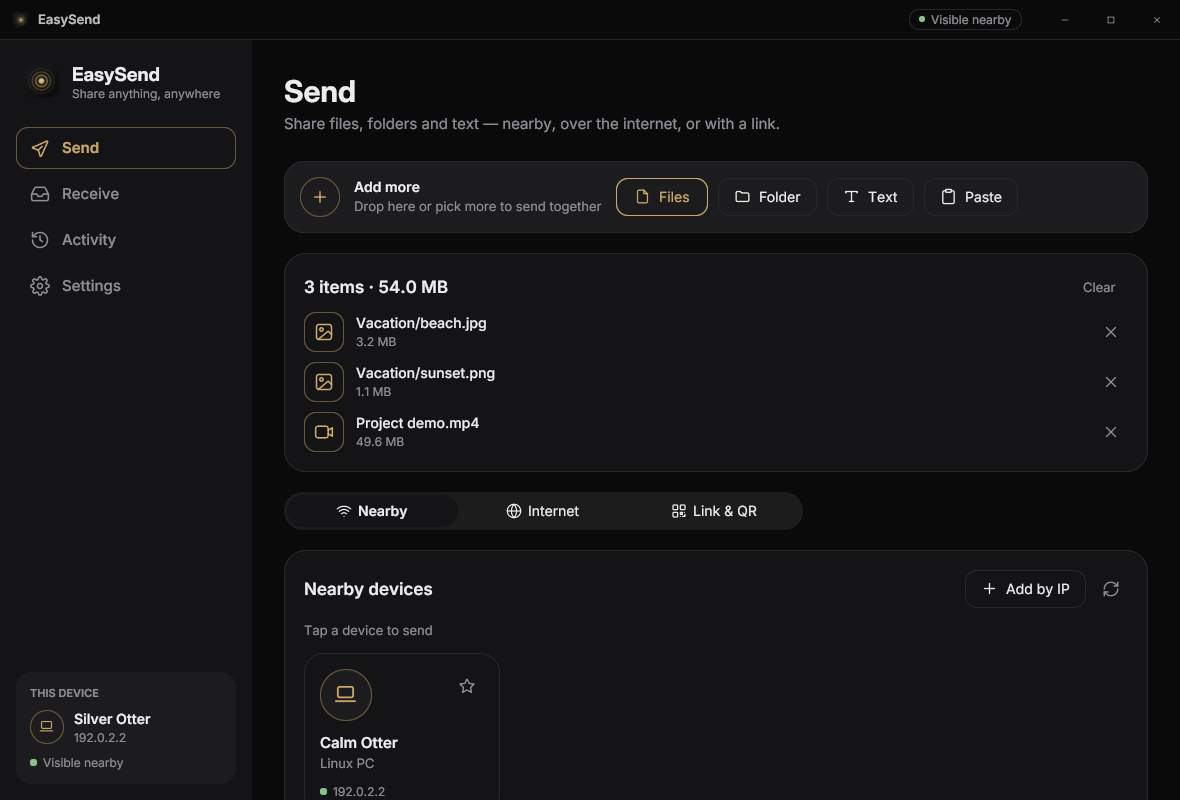
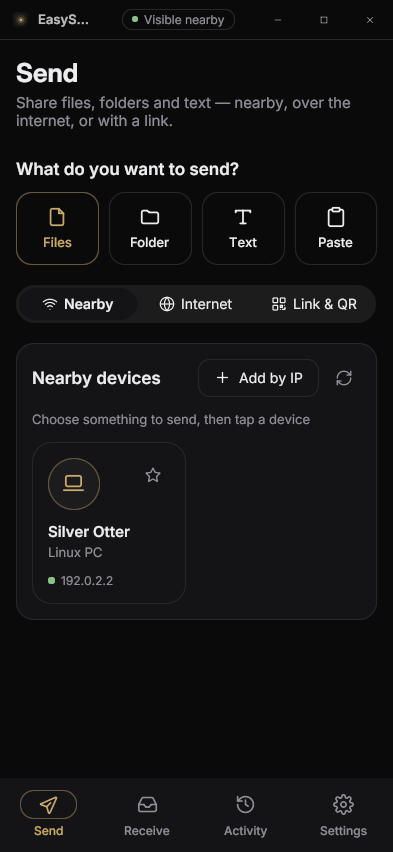
Send folders, many files at once, or just a piece of text.
EasySend sits in the share menu on Android, iPhone and iPad.
“Send with EasySend” in Explorer, Finder and Linux file managers.
Accept each transfer yourself, or automatically from favorites.
Let anyone upload files and text to you, no app needed.
Starts at login and waits quietly in the tray on desktop.
Every transfer, with one tap back to what you received.
Follows your system, with a choice of metallic accents.
Nearby transfers use the LocalSend protocol and internet transfers use Magic Wormhole, so EasySend works with apps you or your friends already have.
Every line is on GitHub under the Apache 2.0 license. Read it, build it, or help make it better.
Nearby transfers go straight from one device to the other. Internet transfers are end‑to‑end encrypted. Nothing you send ever reaches the developer: only a problem report, if you choose to send one.
Free on every platform. Install it on two devices and you’re ready — or just one, and send to anything that opens a web page.